 Rare Creatures

Save
Save anything.
Works on any site with no setup. Keepsake reads what the page already shares, or just what you can see on it, and only at the moment you ask.
Click the icon, press Alt+Shift+K, or right-click anything. Optional on-page save buttons sit next to product cards, and they are off until you turn them on.
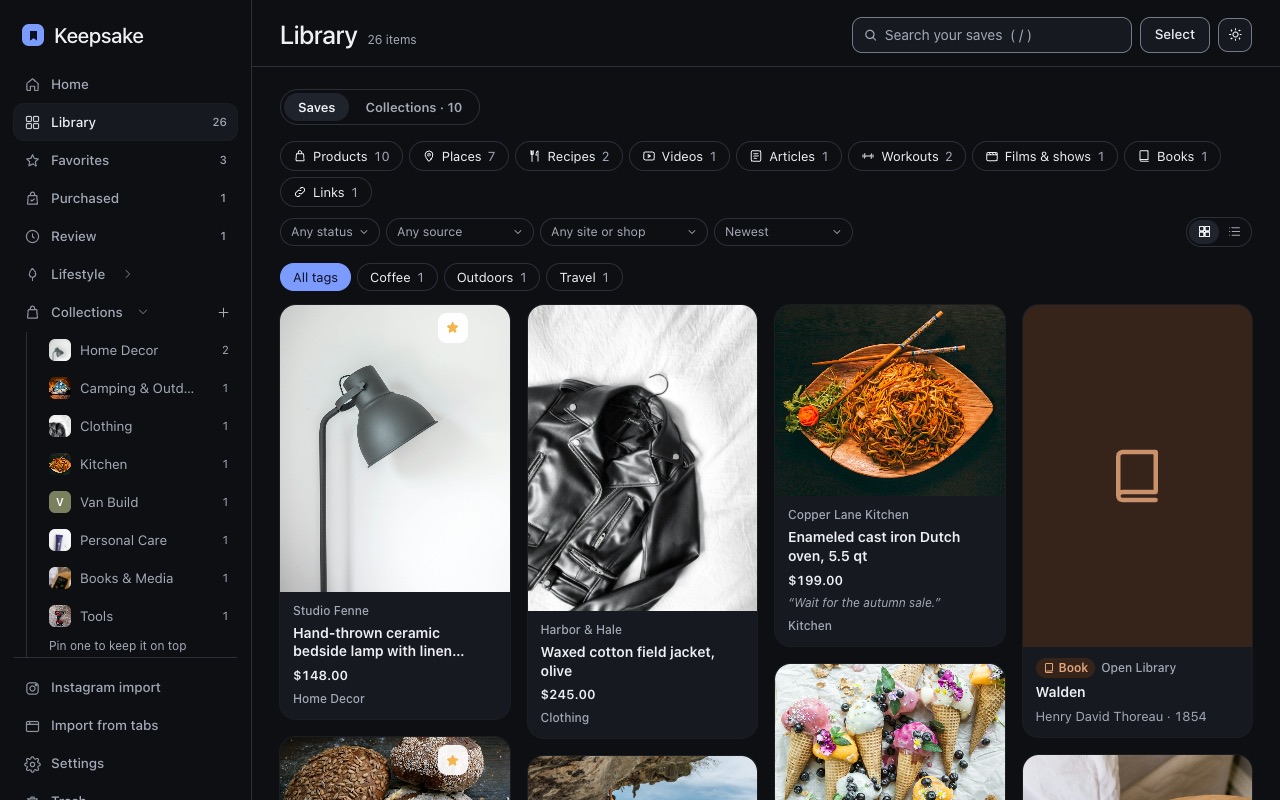 Saved. Filed. Done.
Sort
Auto-sorting... unless we can't figure it out!
If the categorizer is at least 75% confident, the save goes straight into the right collection and tells you where it went. Below that it waits in Review rather than guessing.
Fix it once and it learns. Tick use this choice for similar items and it learns fast.
- 75%+Filed straight away, with an Undo
- UnderWaits in Review with its best guess
- Why“tent in title”, “you usually file this shop here”
- FixMove it once; it remembers
Two halves
Shopping on one side. The rest of your life on the other.
Collections are for products you want to save. Lifestyle is for your personal life: Restaurants, recipes, workouts, etc.
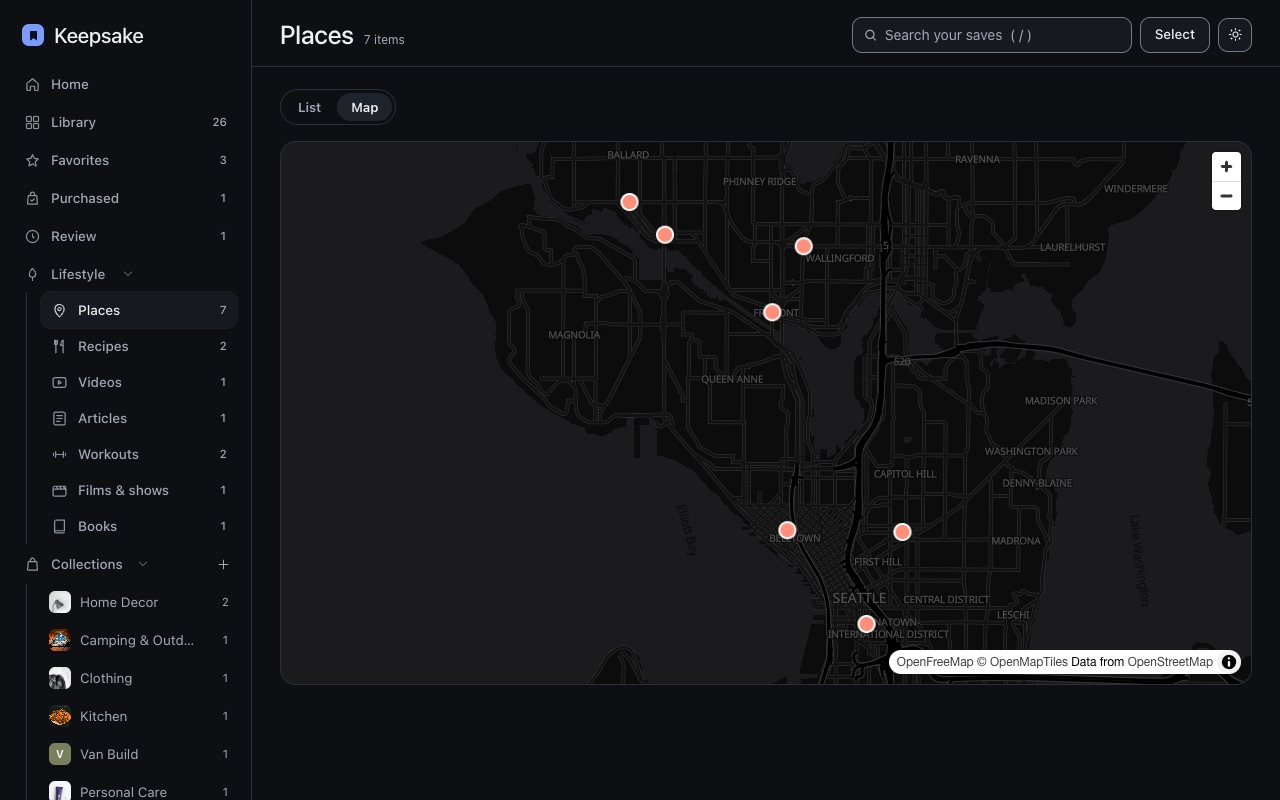
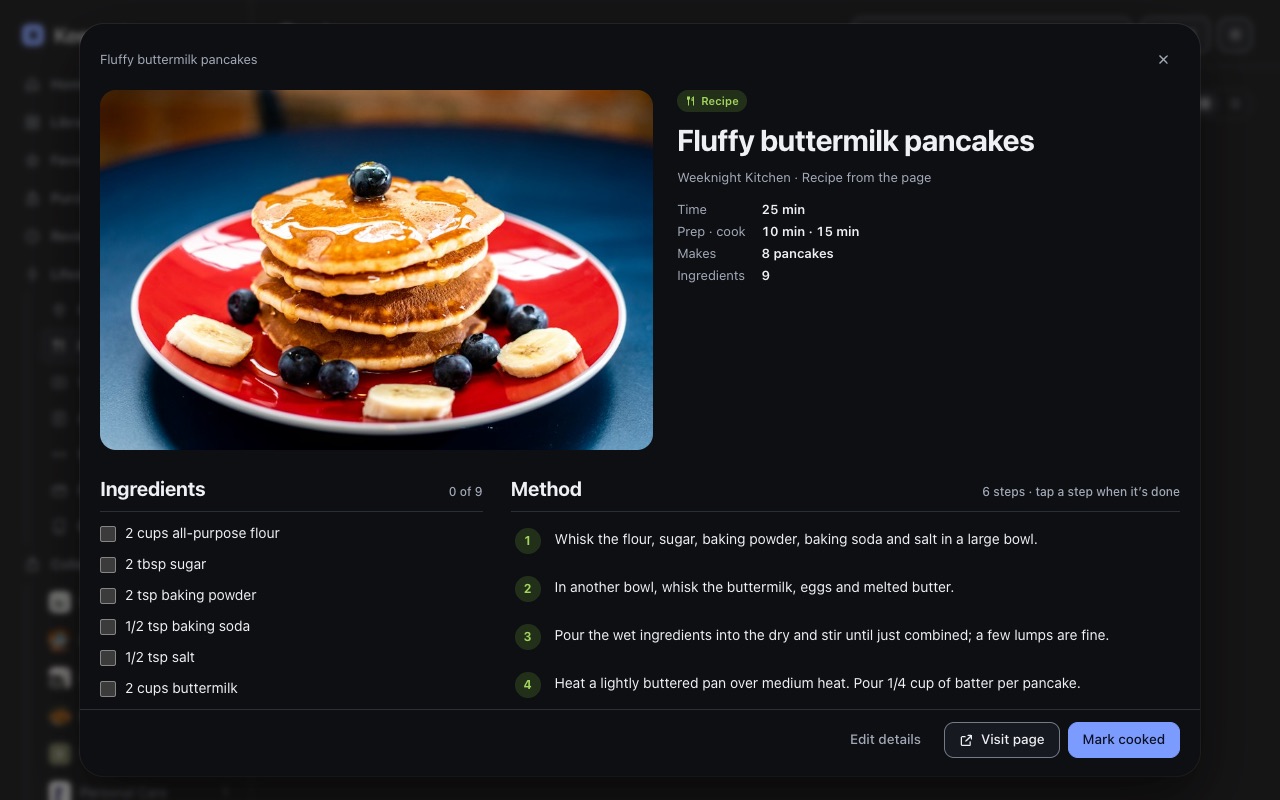
Places are listed by state and city, and drawn on a map on your device from OpenStreetMap. Recipes open to a checklist. Workouts let you set a goal and tick off weeks.

Read it properly
Here are some cool things we do.
Turn your recipes found on IG, Facebook or other social sites into actionable recipes you can follow along with!
Optional lookups, each off by default, can fill in an address from OpenStreetMap, a film from Wikidata, a book from Open Library.
Kept
No account. No server. No tracking.
Your saves and settings stay in your browser or on iOS. Nowhere else.
- SavesIn your browser
- SettingsIn your browser
- Our serversThere are none
- AnalyticsNone